
You’ve got five solid AI tools that’ll redesign your living room efficiently. RoomsGPT generates two design iterations from a single photo—perfect for quick exploration. VisualizeAI lets you upload sketches and refine with text prompts ($19/month after free tries). ArchVinci creates photorealistic renders for testing furniture swaps. HomeVisualizerAI offers precision controls for detailed work. ChatGPT brainstorms color combos free. Start with RoomsGPT, refine your favorite using HomeVisualizerAI, then build your sourcing checklist. These tools work best when you combine them strategically.
VisualizeAI: Most Versatile for Custom Interior and Product Design
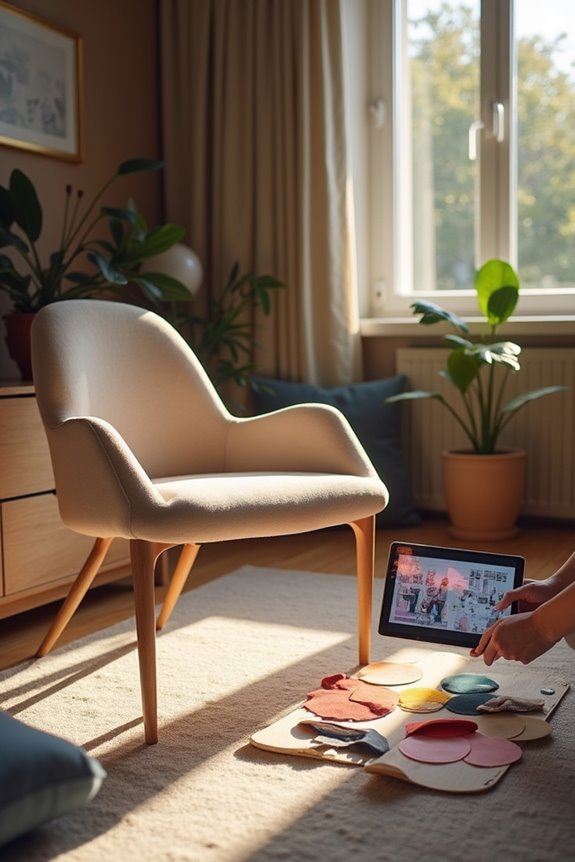
How’d you like to convert a bare living room into a fully decorated space without buying anything first? VisualizeAI lets you do exactly that. You upload a base image, sketch, or floor plan, then refine your vision with text prompts. Want to exclude cabinet hardware? Specify it. Need a different style? Adjust your preferences. This AI interior tool handles both rooms and individual pieces like tables and couches. Your initial prompts are free, then it’s $19 monthly for continued use. The customization happens through precise prompting paired with style controls, giving you rapid prototypes to review. Results vary in realism, so accurate descriptions matter. You’re working with AI to see your design ideas come alive before committing to purchases.
RoomsGPT: Best for Quick Full-Room Visualization From a Single Photo
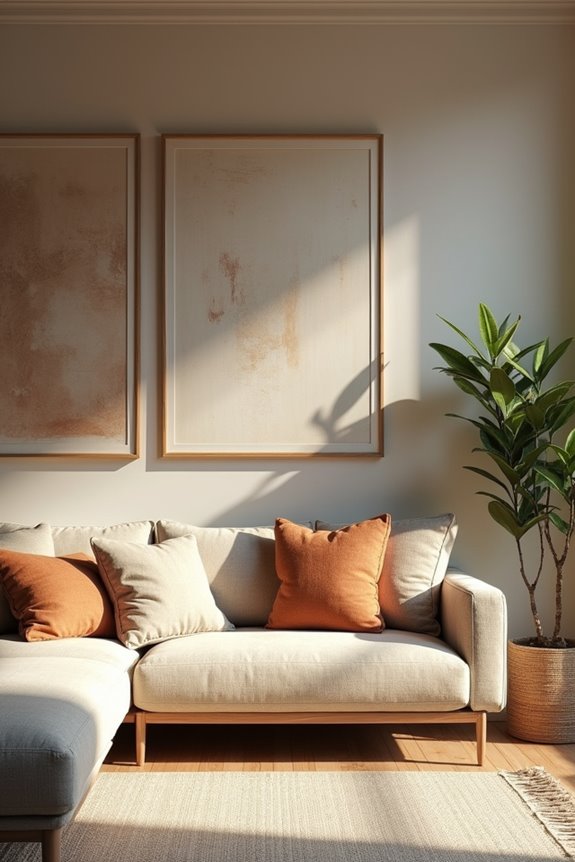
Redesign your entire living room using just one photo. RoomsGPT generates full-room designs from a single uploaded image. You get two design iterations per prompt, letting you compare options quickly without extra costs on the free tier.
| Feature | Details | Best For |
|---|---|---|
| Input | Single room photo | Quick starts |
| Output | Two design iterations | Comparing styles |
| Room Types | Extensive catalog | Finding your vibe |
| Styles | Celebrity-inspired options | Trend-focused design |
| Speed | Rapid rendering | Mood boards |
The tool handles both AI Room Design (interiors) and AI Home Design (exteriors). You’ll reference specific designers like Nate Berkus after uploading. Some renders show blurred details, but they work well for fast concept visualization and moodboarding when you need inspiration quickly.
HomeVisualizerAI: Precision Control for Design Pros
Take command of every design detail with HomeVisualizerAI, a tool built for people who want precision over speed. This AI interior design platform gives you serious control through room type selection, style choices, and custom designer requests. You’ll adjust a creativity slider to balance fresh ideas against your original space, then refine results with inspiration images and text prompts.
The precision control here means your renders actually match what you’re envisioning. Pair your designs with Google Lens to source real products you like. One heads-up: you get limited free renders initially, then costs apply for ongoing use. To get the best results, you’ll need to craft thoughtful prompts. If you’re willing to invest time learning the system, you’ll achieve designs that feel well-considered and professional.
ArchVinci: Photorealistic Furniture and Detail Rendering
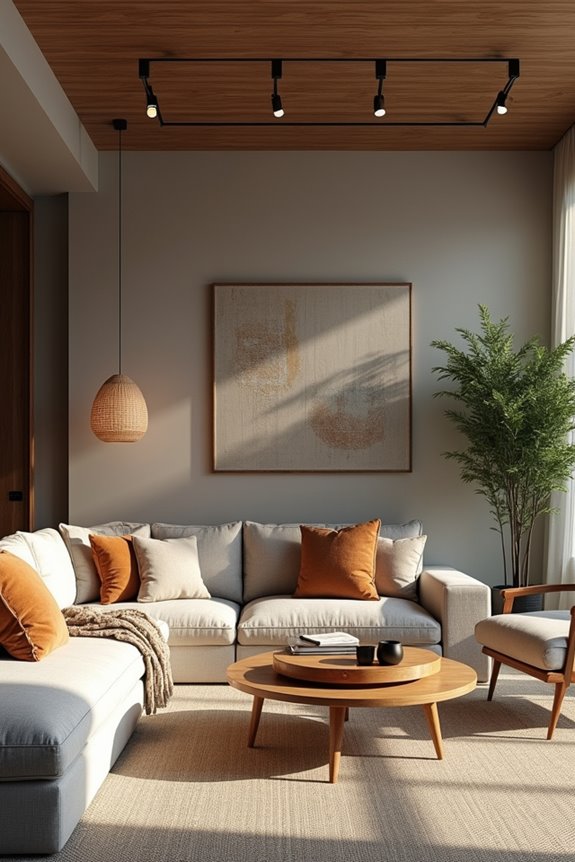
ArchVinci cuts through the complexity of 3D design by letting you upload your actual room photos or sketches and see photorealistic furniture placements without needing CAD skills. You can test everything from small décor changes to complete furniture swaps across rooms of any size, getting accurate previews that show exactly how finishes and pieces will look in your space. This approach means you evaluate your design choices with confidence before spending money, since the tool preserves your room’s real structure while rendering realistic visuals of your new elements.
Photorealistic Rendering Capabilities
How’d you like to see your living room with new furniture before you actually buy anything? ArchVinci delivers exactly that through photorealistic rendering. You upload a photo of your current space, and the tool generates high-fidelity images showing exactly how new pieces will look in your room. The photorealism is precise—lighting, shadows, and material textures all match your actual environment. This rendering capability works without requiring CAD or SketchUp skills. Whether you’re considering a new sofa, bookshelf, or accent chair, you’ll see the exact visual impact. The tool preserves your room’s existing structure while showcasing furniture details with clarity. This approach lets you make confident purchasing decisions based on realistic previews rather than imagination alone.
Minimal Technical Expertise Required
The best part about ArchVinci is that you don’t need any design software experience to make it work. You can upload a photo of your living room, a quick sketch, or even a screenshot, and the AI interior design tool handles the heavy lifting. This means no CAD knowledge or SketchUp skills required—just your vision and an image to start with.
ArchVinci generates photorealistic renders of furniture and finishes without forcing you through complicated modeling steps. The tool visualizes everything from small tweaks to major layout changes in minutes. You’re joining thousands of people who’ve discovered that professional-quality AI interior design isn’t locked behind technical barriers anymore. Your living room redesign starts with simply uploading what you have now.
Versatile Design Scale Support
Want to test a single accent chair or reimagine your entire room layout? ArchVinci handles both perfectly. You can upload a photo of your living room and visualize small changes—like swapping out a side table or testing new throw pillow colors. Or you can tackle bigger shifts, such as repositioning furniture across the entire space.
This photorealistic rendering capability means you’re not locked into one scale. Whether you’re deciding about a single design element or planning a complete furniture arrangement, AI interior design tools like ArchVinci deliver accurate visuals at whatever level you need.
You upload your image, make your changes, and see realistic results immediately. No struggling with complex 3D software. This flexibility lets you experiment with confidence before making actual purchases.
ChatGPT: Free AI Design Exploration and Brainstorming
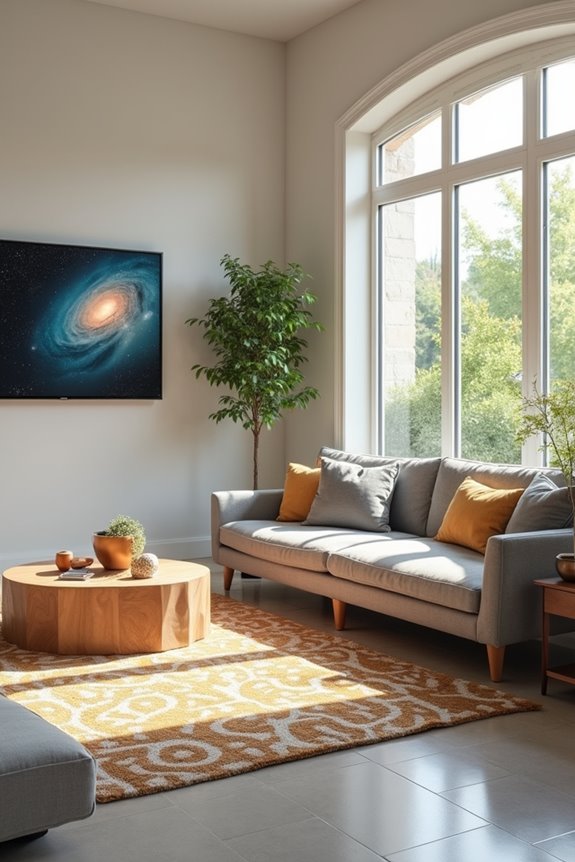
If you’re not ready to invest in design software, ChatGPT works as your free brainstorming partner—you can upload photos of your living room and ask it questions about color combinations, style directions, and design reasoning without needing any rendering abilities. I use it to talk through my ideas out loud, figure out what I actually want stylistically, and build confidence in my design choices before I move forward with bigger tools. It won’t create photorealistic images like ArchVinci does, but it excels at helping you articulate your vision and explore concepts from multiple angles.
Free Conversational Design Partner
Ever felt stuck trying to explain what you want your living room to look like? ChatGPT works as your free conversational design partner. I use it to brainstorm color combinations, discuss design styles, and explore what actually works for my space. The AI interior tool helps me reason through choices—why certain colors clash or complement each other. I upload room photos and describe my vision, then we talk through possibilities together.
Free access means I can explore countless ideas before committing money to renderers or designers. ChatGPT clarifies my thinking, helping me articulate concepts I couldn’t quite express. It’s not a replacement for professional design services, but it works well alongside them. I use it to develop solid concepts, build confidence in my choices, and prepare smarter questions for actual designers.
Color And Style Guidance
How do you nail down the colors and styles that’ll work in your space? ChatGPT helps you explore color schemes without expensive tools or commitments. You upload a photo of your room, then describe what you’re drawn to—whether that’s modern minimalism or warm coziness. The AI asks clarifying questions about your preferences, helping you articulate your vision clearly.
This conversational approach lets you test ideas before investing money. You might discover that the sage green you loved pairs better with warm neutrals than cool grays. ChatGPT guides you through architectural tendencies and design language, showing how different color combinations affect your room’s overall feel.
Think of it as a brainstorming buddy for AI interior design exploration. You’re building confidence in your choices before moving to professional renders.
Concept Development Without Rendering
Before you commit to expensive design software or professional renderers, ChatGPT lets you work through your ideas in real conversation. I use it to brainstorm color schemes, furniture layouts, and design styles without spending money upfront.
Here’s how concept development works: I describe my living room’s dimensions and natural light. Then I ask ChatGPT questions about which color palettes match my style preferences. The AI interior tool helps me articulate why certain combinations work for my space.
I iterate quickly, testing ideas like “warm neutrals with teal accents” or “modern minimalist with wood elements.” ChatGPT explains design reasoning, helping me understand what works and why. This brainstorming phase clarifies my vision before I move to specialized renderers for final visuals.
Best Practices: Prompt Engineering for Better AI Renders
What you ask an AI design tool matters just as much as which tool you’re using. That’s where prompt engineering comes in. When you’re working with AI interior design tools, precise language gets you better results.
Here’s what works: be specific about what you want and don’t want. Instead of “modern living room,” try “modern living room without cabinet hardware and with warm lighting.” Reference specific designers like Nate Berkus if a tool allows it. Use style selections to narrow your vision.
Most tools let you iterate multiple times. Test different design styles and compare renders. Tools like HomeVisualizerAI offer creative versus stay-close sliders, letting you control how experimental the AI gets. The more detailed your prompt and the more variations you explore, the closer you’ll get to your actual living room vision.
Combining Tools: Multi-Step Workflows for Refined Results

Why combine several tools to get better results? I’ve found that using a multi-step workflow with AI interior design tools helps me develop my living room vision into reality. Here’s my approach: First, I start with RoomsGPT to explore multiple design iterations quickly without cost limits. Next, I refine my favorite concept using HomeVisualizerAI’s style selections and inspiration image fusion for more detailed control. Then I use Spacely AI to test lighting, furnishing, and layout adjustments with real-time updates. Finally, I compare final renders across platforms to identify the best elements from each. This multi-step workflow lets me leverage each tool’s strengths, so my living room design accurately reflects what I’m imagining.
Building a Design System: From AI Renders to Final Execution
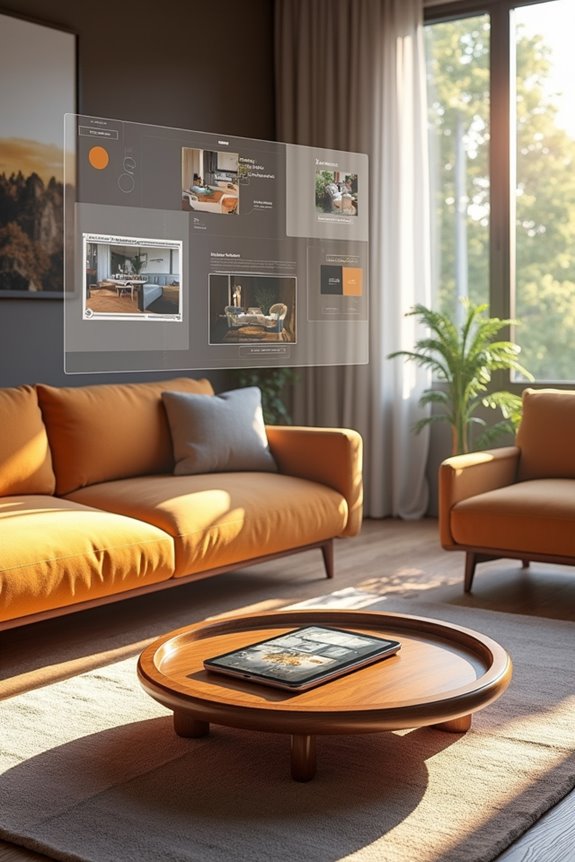
Once you’ve got your refined renders from that multi-step workflow, the real work begins—turning those digital images into an actual living room you can inhabit. Here’s how to build your design system with AI design tools like Spacely AI:
- Document your final render specifications—exact paint colors, furniture dimensions, and material finishes
- Create a sourcing checklist matching each AI-rendered element to real products you can actually buy
- Establish a timeline for phased implementation, prioritizing high-impact pieces first
- Set up a visual reference board combining your AI renders with product photos for consistency
This approach bridges the gap between your digital vision and physical space. You’re not just admiring pictures—you’re building a practical roadmap for your living room that you can execute with confidence.
For Design Teams: Collaboration and Client Handoffs
If you’re working on a design team, you know how much time gets eaten up by back-and-forth revisions with clients and internal stakeholders. Spacely AI changes this dynamic by letting you generate realistic renders in seconds, cutting down those endless email chains.
| Phase | Traditional Timeline | Spacely AI Timeline |
|---|---|---|
| Initial concept | 3-5 days | A few hours |
| Client revisions | 1-2 weeks | 1-2 days |
| Final approval | 2-3 weeks | 3-5 days |
| Ready for execution | 4+ weeks | 1 week |
You’ll present polished visuals immediately, speeding up client handoffs and approval cycles. Your team collaborates faster because everyone sees exactly what you’re proposing. This means fewer misunderstandings and quicker project launches. You’re not explaining vague concepts anymore—you’re showing concrete, photorealistic results.
Making the Final Call: Which Tool Matches Your Workflow
So you’ve seen what these AI design tools can do—now comes the part that actually matters: picking the one that fits *how you work*.
Your workflow determines everything. Consider these factors:
- Budget constraints – VisualizeAI costs $19/month after free renders, while HomeVisualizerAI offers three free renders upfront
- Input preference – RoomsGPT uses image uploads; HomeVisualizerAI accepts text prompts with style sliders
- Output quality needs – ArchVinci delivers photorealistic furniture renders; RoomsGPT provides two iterations per prompt
- Support role – Use ChatGPT for brainstorming color combinations alongside dedicated AI interior design tools
Match the tool to your interior design process, not the other way around. If you’re sketching ideas quickly, image-based tools work best. Need detailed renders? Photorealistic options serve you better. Your AI tool should speed up your workflow, not complicate it.