

ChatGPT can brainstorm design styles, visualize color palettes, and test furniture layouts from your photos—but it can’t measure your actual space or see real doorways and walls. You upload a photo, describe your vision, and get AI-generated options to explore before buying.
The catch? You’ll need to verify dimensions, check doorway placement, and confirm everything fits your room. Treat AI renderings as starting points, not final blueprints. Want to know how to catch common AI mistakes and turn these ideas into a real shopping plan?
Why ChatGPT Works (and Doesn’t) for Living Room Design
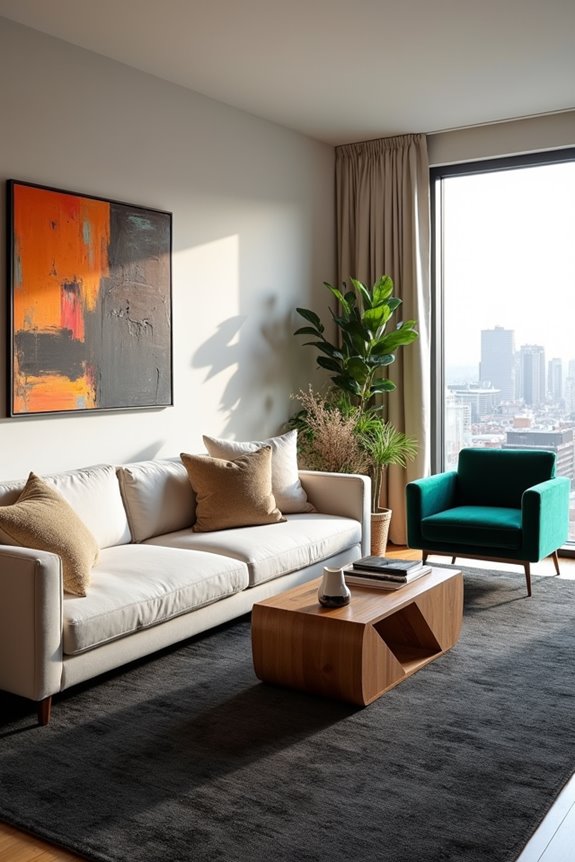
How much can an AI actually help you redesign your living room? ChatGPT’s image generation feature works well for brainstorming styles and color palettes. You upload a photo of your space, specify your design goals, and the AI creates visual options to explore.
Here’s where it gets real: you’ll need multiple iterations to get accurate results. The first attempt rarely nails furniture placement or realistic dimensions. Think of it like sketching ideas—useful for direction, not precision.
The biggest limitation? AI can’t measure your actual room constraints. It might suggest moving your sofa to a wall that’s actually too narrow or recommend adding built-ins where plumbing exists. That’s why you’ll want to verify suggestions with actual measurements before making changes.
Should You Get ChatGPT Plus Before Starting?
Now that you know ChatGPT’s strengths and limits for room design, you’ve got a choice to make: stick with the free version or upgrade to ChatGPT Plus.
Here’s how they compare for image generation:
| Feature | Free Version | Plus Plan |
|---|---|---|
| Image generations | 3 per day | 50 every 3 hours |
| Design iteration speed | Slow | Fast |
| Testing concepts | Limited | Extensive |
I’d recommend Plus if you’re serious about exploring multiple design directions quickly. The Plus plan lets you generate 50 images every three hours, meaning you’ll test way more concepts without waiting. This matters when you’re deciding between paint colors, furniture layouts, or completely different styles.
If you’re just curious or working casually, the free version works fine. You’ll get results—just slower.
Upload Your Photos and Describe Your Vision
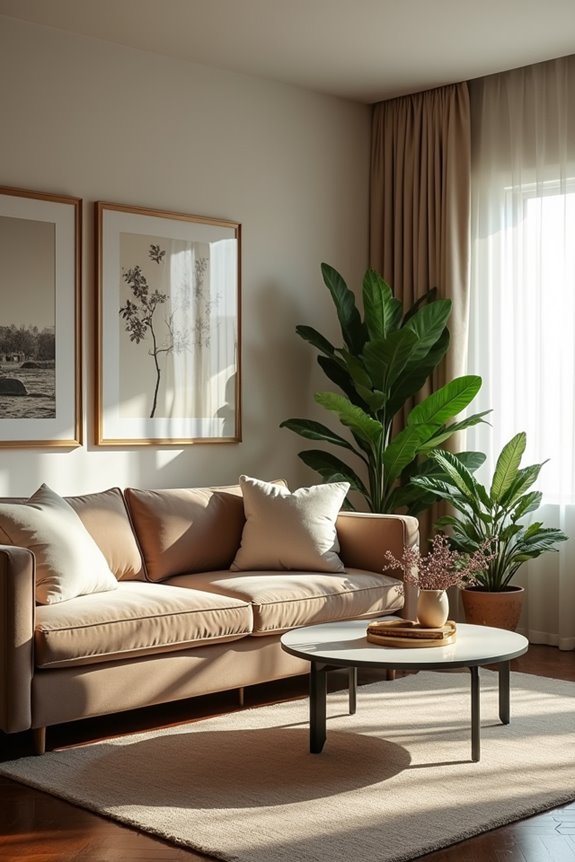
Once you’ve decided on your ChatGPT plan, it’s time to gather the materials you’ll actually use. Start by taking clear photos of your living room from different angles. Good lighting helps ChatGPT see your space accurately. Next, write down what you’re envisioning for the design.
Start by photographing your living room from multiple angles with good lighting, then describe your design vision in detail.
Here’s what to include in your description:
- Your preferred color palettes and mood (cozy, modern, bright)
- Specific furniture pieces you want to keep or add
- Lighting preferences and natural light conditions
- Design style inspiration (minimalist, traditional, eclectic)
Be detailed about what matters to you. ChatGPT uses your photos and description to create images showing your reimagined living room. The level of detail you provide directly affects the quality of results. You’re building a collaborative vision together, so share all the details about your ideal living room.
Fix Common AI Mistakes: Doorways, Furniture Placement, and Layout
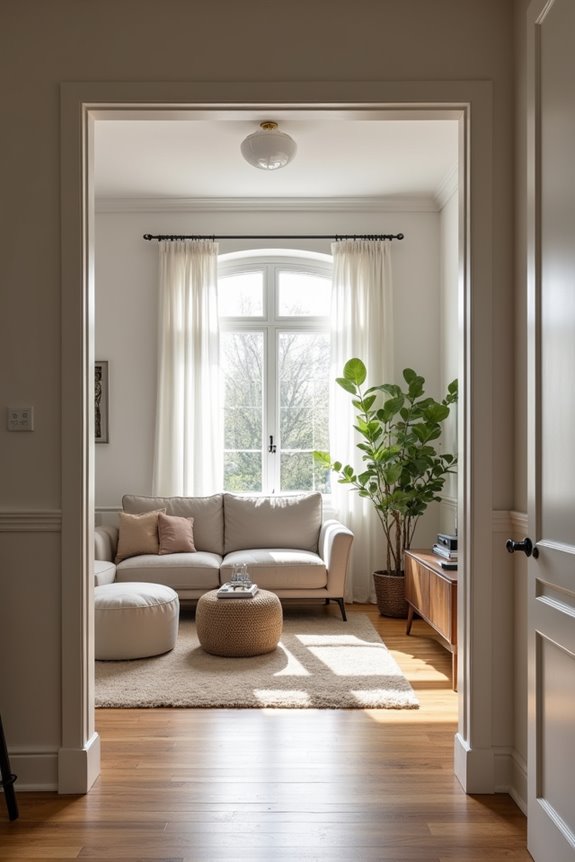
When you get AI suggestions for your room layout, doorways and furniture placements often need corrections—AI might shift a window three feet or squeeze a couch into a space that’s actually too tight. The best move is to grab a tape measure and verify each suggestion against your actual room dimensions before you commit to any changes. Once you spot the mistakes, you can prompt the AI again with specific measurements and fixed elements (like built-ins), which helps it generate more accurate recommendations the next time around.
Correcting Doorway Misplacements
One of the trickiest mistakes ChatGPT makes is shifting or completely removing doorways from your room’s layout—and you might not catch it until you’re staring at a design that won’t work in your actual space.
To keep your doorways exactly where they belong, follow these steps:
- Attach a labeled floor plan image to your prompt showing exact door positions
- Explicitly mention fixed door locations in every refinement request
- Verify suggested layouts against your room’s actual measurements and wall thickness
- Request only micro-adjustments rather than major rearrangements
When ChatGPT proposes new doorway placements, cross-check them immediately. Measure distances between walls and existing doors. This prevents costly design mistakes. By anchoring your doorways firmly in each conversation, you’ll maintain consistency between the AI’s suggestions and your real room’s constraints.
Refining Furniture Layout Accuracy
How do you know if ChatGPT’s furniture suggestions will actually fit your living room? You need to verify measurements before committing to any layout accuracy.
Here’s what works: First, measure your actual space—length, width, and ceiling height. Second, measure each furniture piece you’re considering. Third, check doorway widths and traffic flow paths. ChatGPT often suggests layouts that ignore real constraints like existing outlets or wall sconces.
Don’t treat AI renderings as final. Instead, use them as starting points. Ask ChatGPT multiple times with specific measurements included in your prompts. Compare different sofa orientations, rug sizes, and coffee table placements across several responses. Then physically test configurations in your room before buying anything. This iterative approach catches mistakes early and confirms your furniture fits your space.
ChatGPT’s Real Accuracy Limits: When to Measure Everything
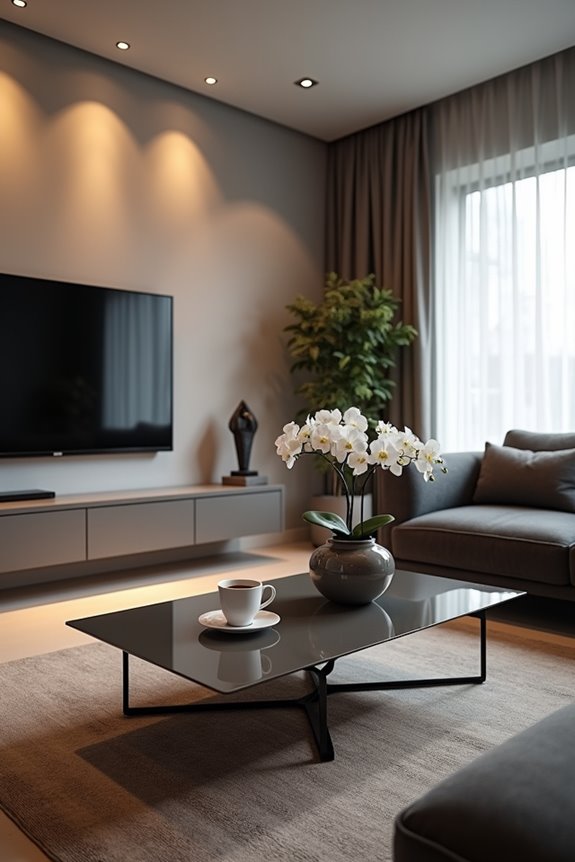
AI-generated room designs look polished and tempting, but they’ve got a serious blind spot: they can’t actually see your space. I’ve learned that rendering accuracy depends entirely on how detailed your measurements are. Here’s what you need to do before trusting any design:
AI-generated room designs look polished, but they can’t see your actual space. Detailed measurements determine rendering accuracy.
- Measure all wall lengths to the nearest inch
- Record every doorway width and swing direction
- Note window sizes and their exact placement
- Check furniture dimensions against your actual floor space
ChatGPT might suggest a beautiful layout that simply won’t fit. A sofa that looks good in the render could block your door in reality. I always verify designs against real measurements before committing. Think of AI visuals as inspiring starting points, not final blueprints. Your actual room holds the truth—trust your tape measure first.
Next Steps: From AI Ideas to Real Furniture
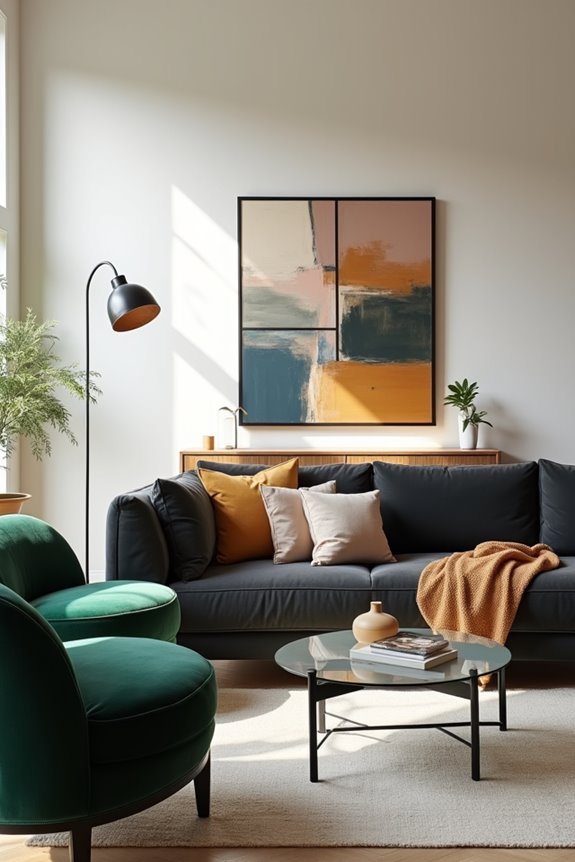
Now that you’ve got AI-generated ideas, it’s time to ground them in reality by measuring your actual space, comparing furniture options with those dimensions in mind, and testing how pieces work before you buy. I’ll walk you through measuring accurately so your sofa doesn’t block the doorway, show you how to shop smarter using your AI inspiration as a guide, and explain why testing arrangements first saves you from costly mistakes.
Measuring Your Space Accurately
Before you start rearranging furniture or testing out those ChatGPT design ideas, you’ve got to measure your living room carefully. I learned this the hard way when a rendered layout didn’t fit my actual space.
Here’s what you need to do:
- Measure length, width, and height using inches or centimeters consistently
- Note doorway widths, window placements, and built-in features like radiators
- Record distances to outlets, TV mounts, and alcoves
- Create a simple grid sketch marking fixed elements
These room measurements become your reality check. ChatGPT can suggest layouts, but without accurate dimensions, those ideas won’t translate to your actual living room. You’ll avoid costly mistakes and wasted time testing furniture placements that won’t work. Precision now saves frustration later.
Shopping With AI Inspiration
Once you’ve got your room measurements and ChatGPT’s design ideas in hand, the next move is turning those concepts into an actual shopping list. Match those design ideas to real furniture you can buy.
ChatGPT suggests specific pieces, colors, and textures that align with your vision. It often provides product links or brand recommendations that fit your budget and space. You can refine suggestions through iterative prompts, asking for different price points or preferred brands.
| Item Type | AI Suggestion | Your Budget | Availability | Priority |
|---|---|---|---|---|
| Sofa | Gray sectional | $800 | Check stock | High |
| Coffee table | Wood frame | $200 | Verify dims | Medium |
| Lighting | Floor lamp | $150 | In stock | Medium |
| Rug | Neutral tone | $300 | Confirm size | High |
| Accent chair | Fabric upholstered | $400 | Check return | Medium |
Before purchasing, verify actual dimensions, current stock, and return policies since AI suggestions may not account for these details.
Testing Before Committing Changes
You’ve got your shopping list ready, but there is the catch—actually buying that gray sectional or wood coffee table without seeing how it’ll look in your actual room is risky.
This is where AI design becomes your testing ground. Before you commit money and space, use iterative refinement to evaluate your ideas:
- Upload your living room photo and request specific changes (TV placement, seating angles)
- Compare multiple layouts to see which works for your space
- Measure your room and furniture dimensions to confirm everything actually fits
- Review renderings with fresh eyes the next day to catch what you missed
These renders aren’t final decisions—they’re starting points for exploration. You’re building confidence in your choices without the buyer’s remorse. Pair these AI outputs with in-person shopping trips, and you’ll make decisions you can stand behind.